
How to Share Wi-Fi Password From Android to iPhone
Quick Answer The fastest way to share Wi‑Fi from Android to iPhone is with a QR code. On your Android phone, open Wi‑Fi settings, tap
How to Share Wi-Fi Password From Android to iPhone Read More »
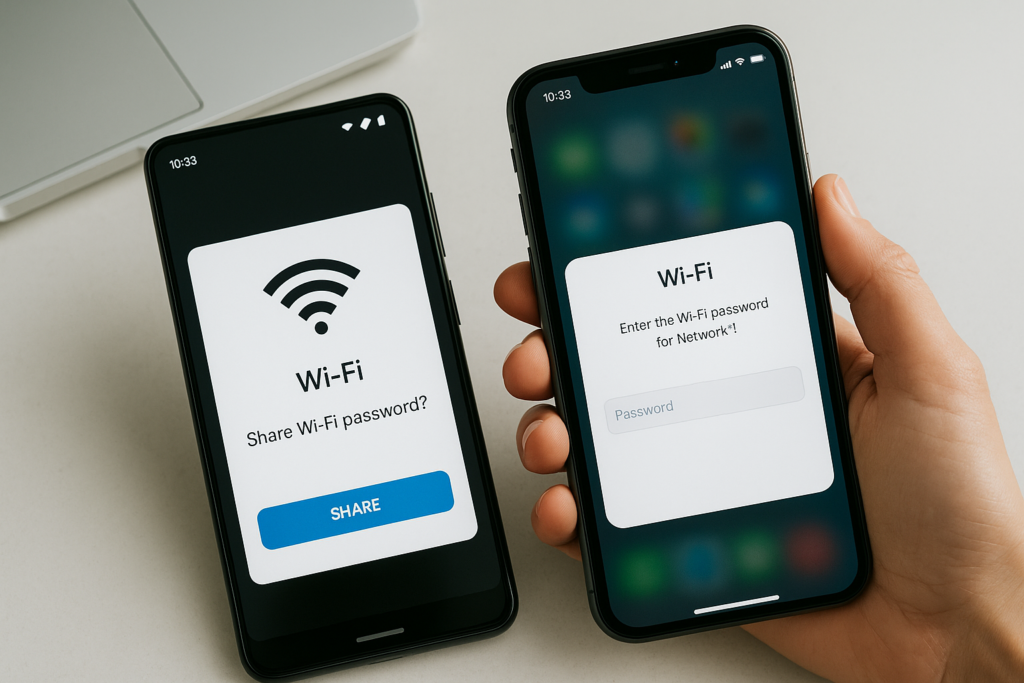
Quick Answer The fastest way to share Wi‑Fi from Android to iPhone is with a QR code. On your Android phone, open Wi‑Fi settings, tap
How to Share Wi-Fi Password From Android to iPhone Read More »
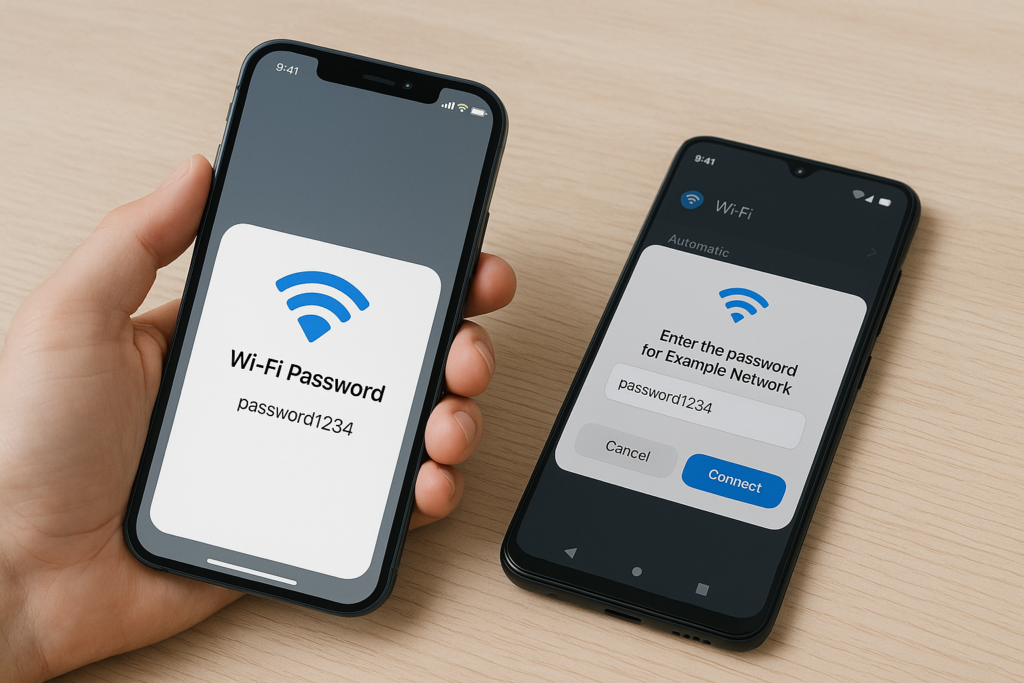
Quick Answer You can’t send a Wi‑Fi password directly from an iPhone to an Android phone using Apple’s built‑in “Share Password” feature. Instead, reveal the
How to Share Wi-Fi Password From iPhone to Android Read More »
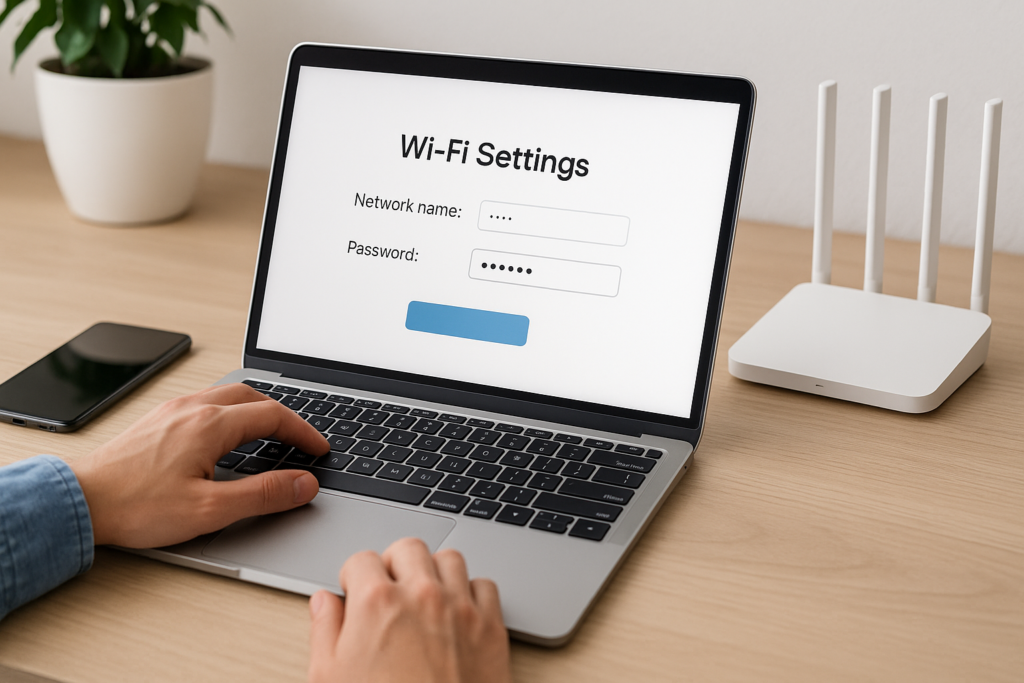
Quick Answer Log in to your router’s admin page (often at 192.168.1.1, 192.168.0.1, or via your ISP/mesh app), then open the Wireless or Wi‑Fi settings.
How to Change Your Wi-Fi Network Name and Password Read More »
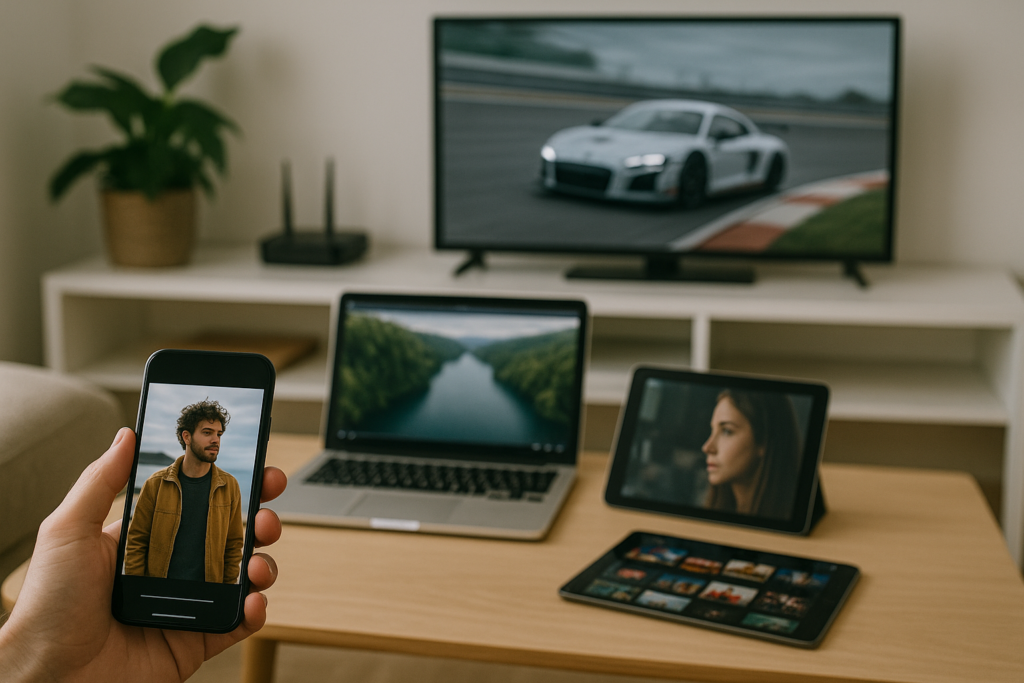
Quick Answer The number of devices that can stream at once on one internet connection depends on three things: your available download speed, how efficient
How Many Devices Can Stream at Once on One Internet Connection? Read More »
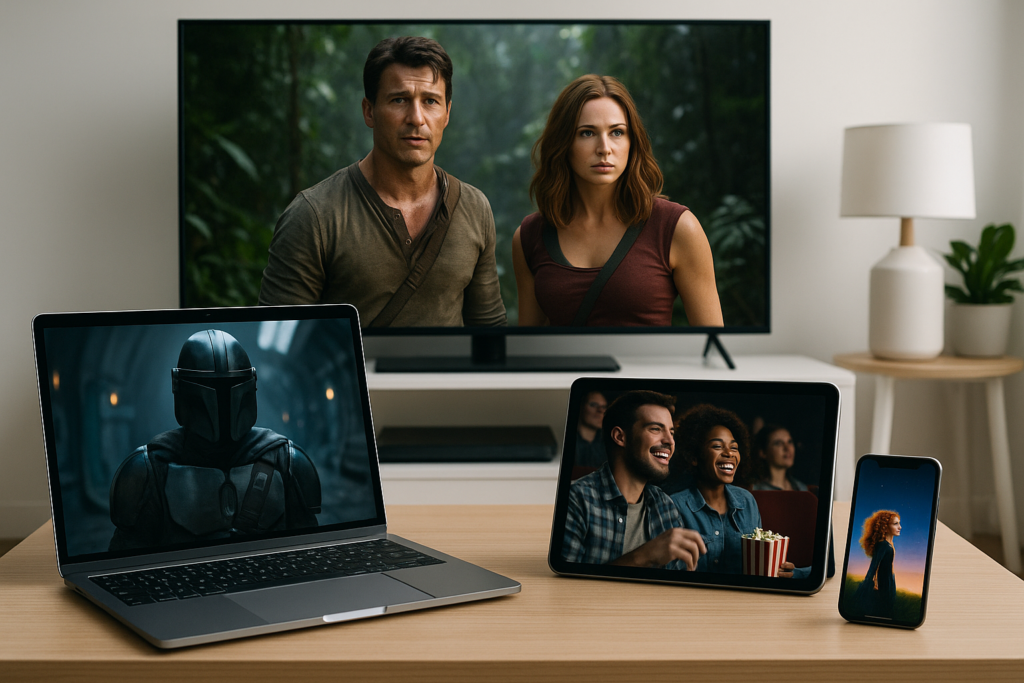
Quick Answer If you need the most screens at once, Apple TV+ (up to 6 streams) and Netflix Premium (up to 4) are standouts for
Best Streaming Services for Multiple Screens Read More »
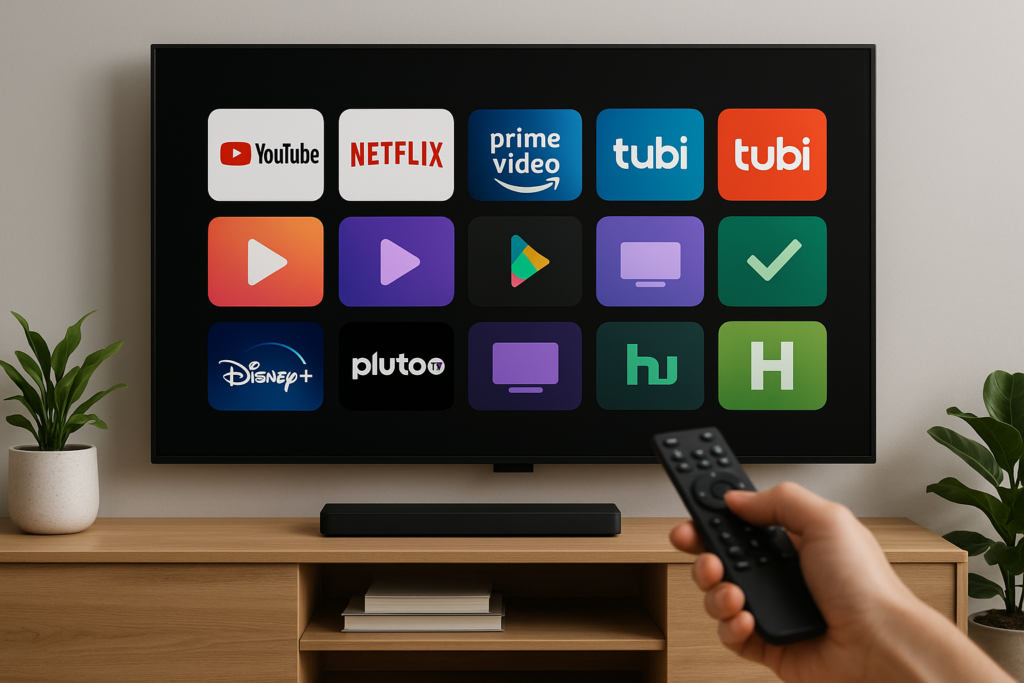
Quick Answer The best free streaming apps for smart TVs are Tubi, Pluto TV, The Roku Channel, Amazon Freevee, YouTube, Samsung TV Plus (on Samsung
Best Free Streaming Apps for Smart TVs Read More »
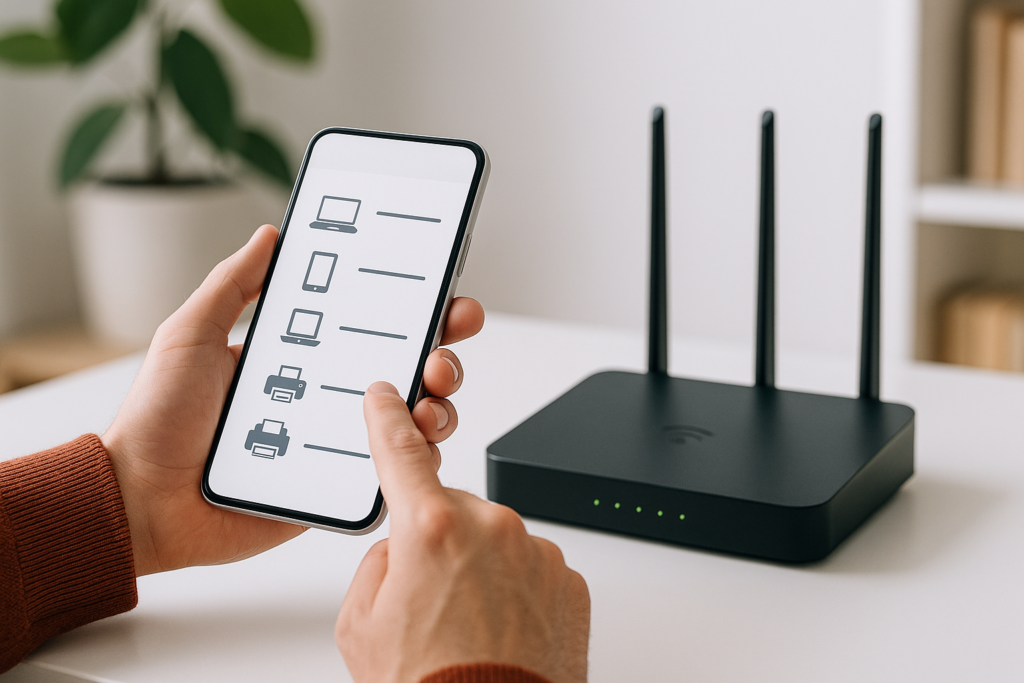
Quick Answer Log in to your router’s admin page (commonly at http://192.168.0.1 or http://192.168.1.1) or open your router’s mobile app, then look for a page
How to Check Who Is Connected to Your Wi-Fi Router Read More »
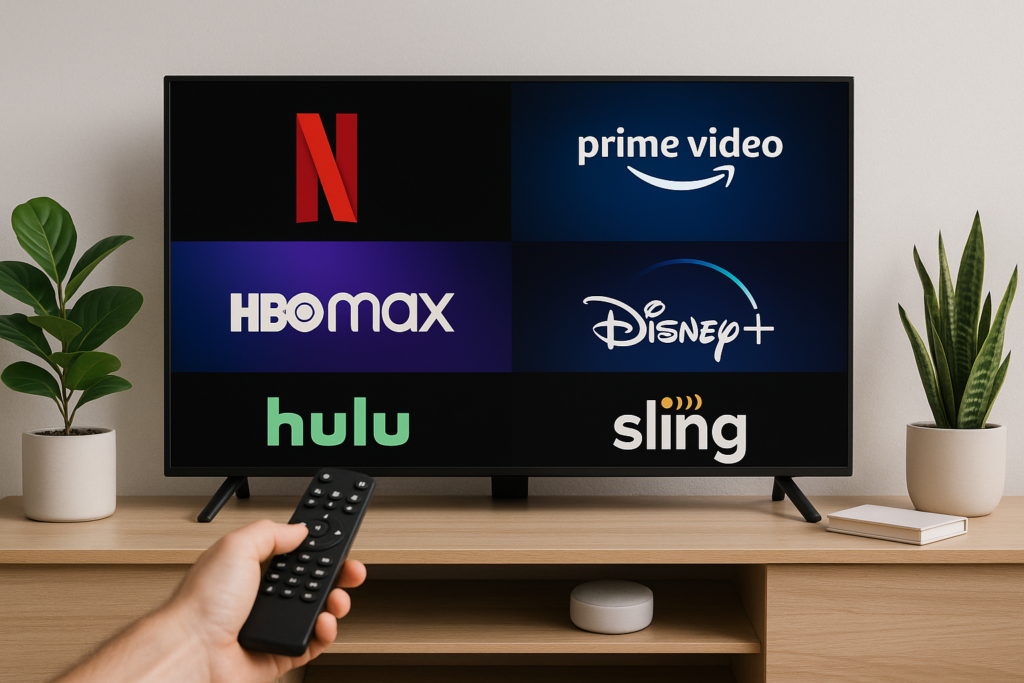
Quick Answer The best streaming services that work without cable fall into three buckets: on-demand libraries like Netflix, Max, Disney+, Hulu, Prime Video, Peacock, Paramount+,
Best Streaming Services That Work Without Cable Read More »
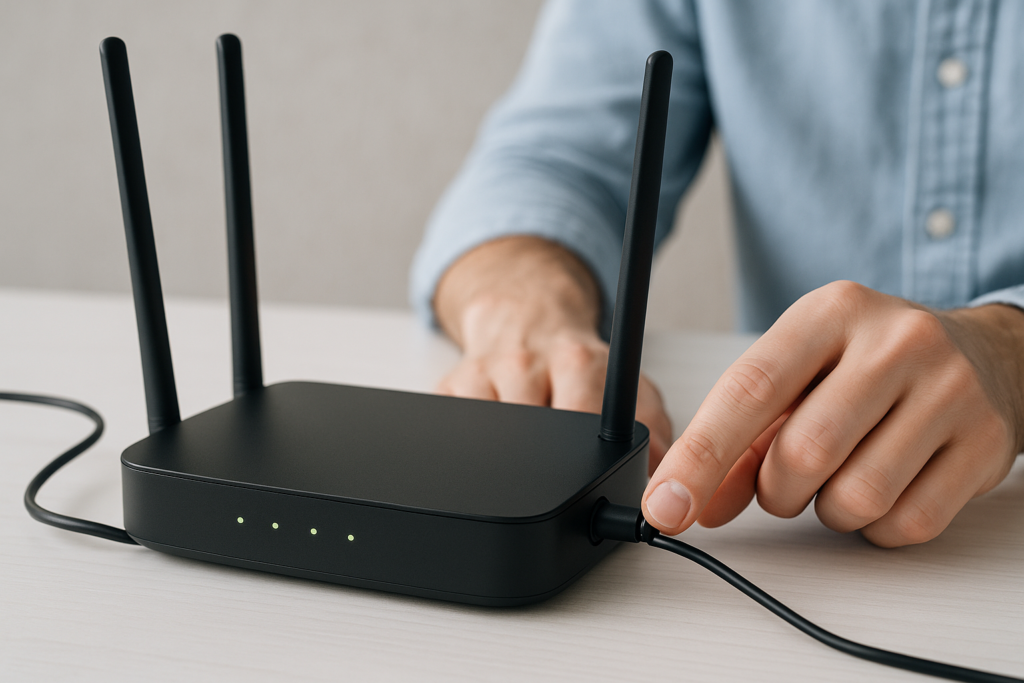
Quick Answer To restart your router properly, unplug its power for 20–30 seconds, then plug it back in and wait 2–3 minutes for all lights
How to Restart Your Router the Right Way Read More »