
How Far Can a Wi-Fi Router Reach?
Quick Answer A typical home Wi-Fi router can reach between 100 and 150 feet indoors and up to 300 feet outdoors in ideal conditions. The
How Far Can a Wi-Fi Router Reach? Read More »
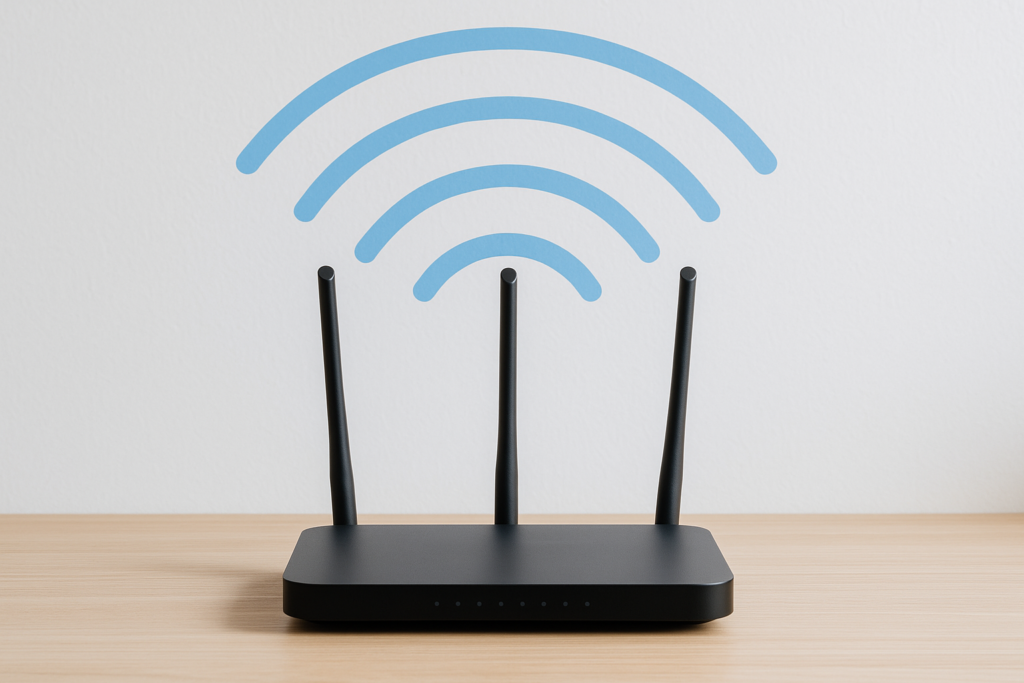
Quick Answer A typical home Wi-Fi router can reach between 100 and 150 feet indoors and up to 300 feet outdoors in ideal conditions. The
How Far Can a Wi-Fi Router Reach? Read More »
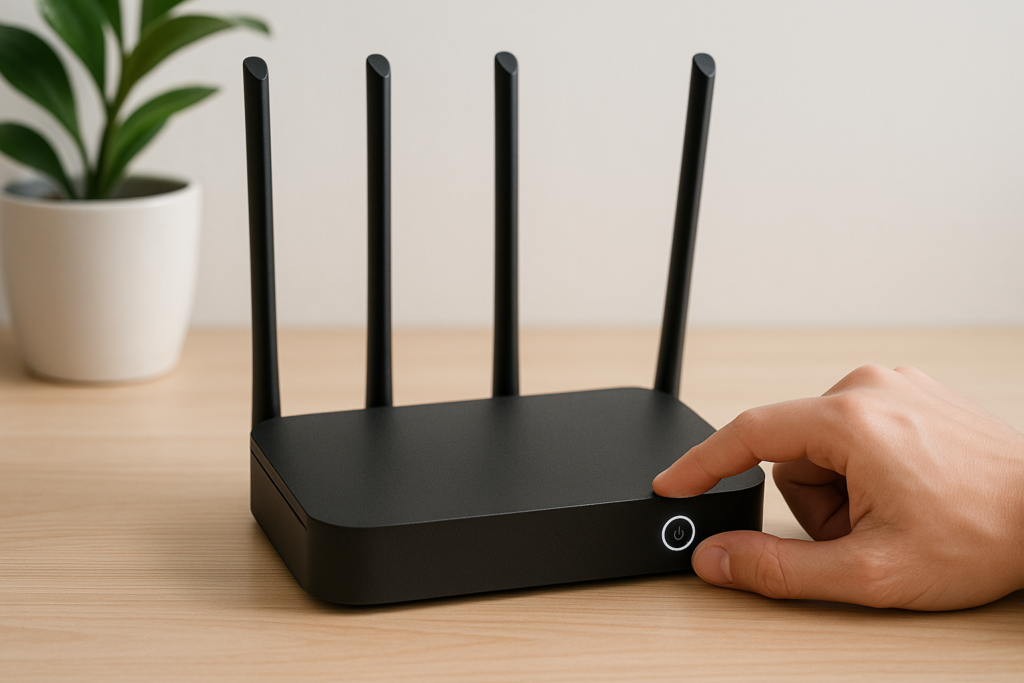
Quick Answer For most home users, restarting your Wi-Fi router once every one to three months is sufficient to maintain optimal performance. However, if you
How Often Should You Restart Your Wi-Fi Router? Read More »
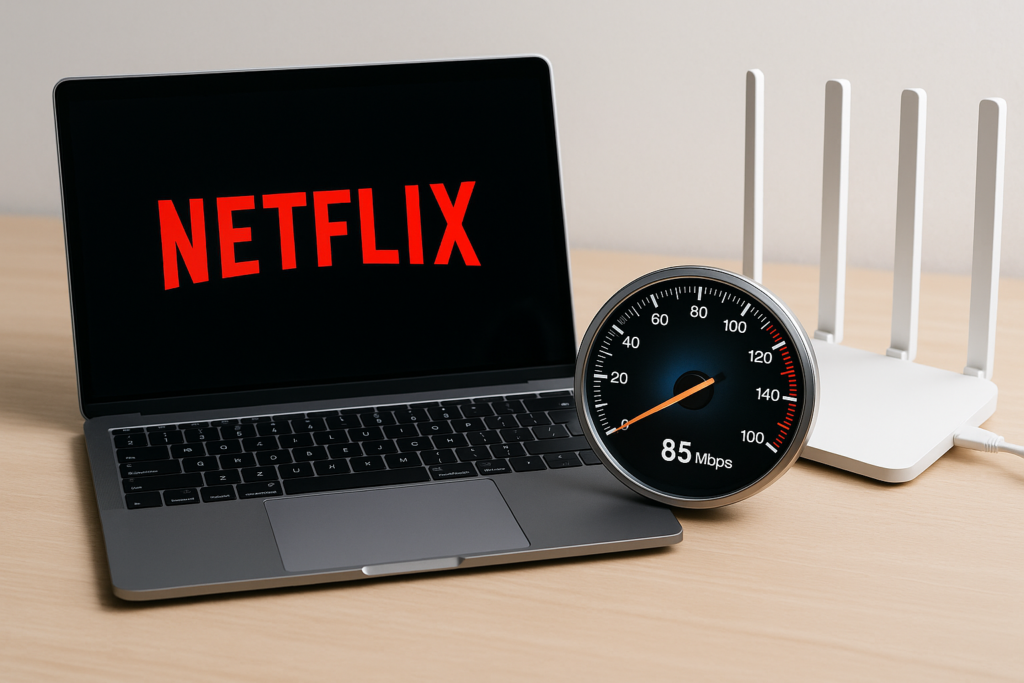
Quick Answer Netflix requires a minimum of 3 Mbps for standard definition streaming, 5 Mbps for HD quality, and 25 Mbps for 4K Ultra HD
How Much Internet Speed Do You Need for Netflix? Read More »
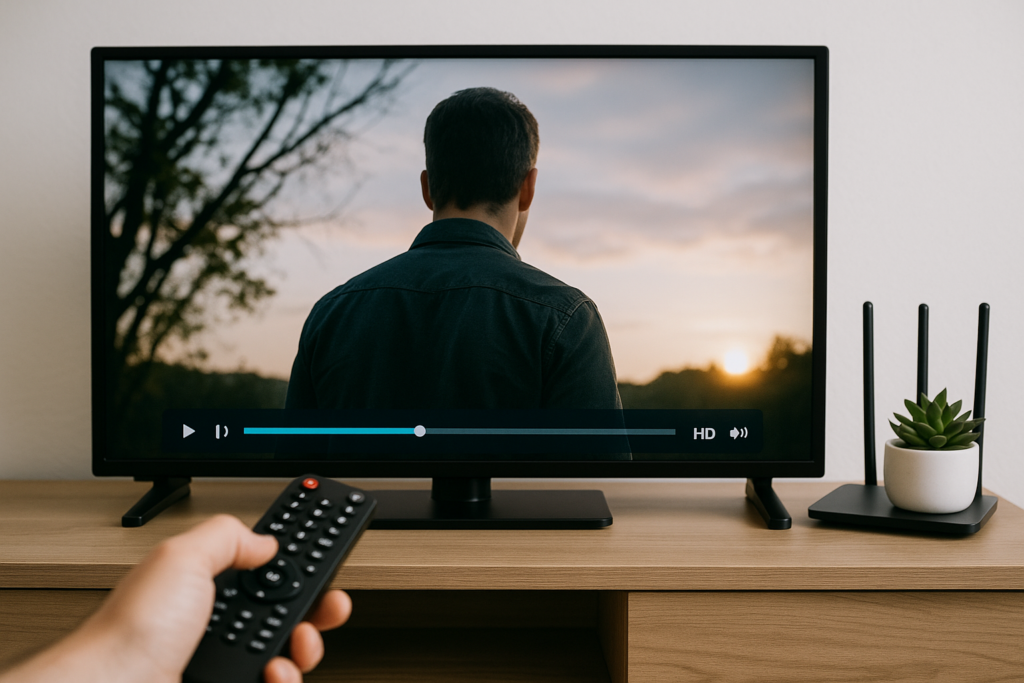
Quick Answer Streaming TV uses between 0.3 GB and 7 GB of data per hour depending on video quality. Standard definition (SD) streaming consumes approximately
How Much Internet Data Does Streaming TV Use? Read More »

Quick Answer Yes, you can watch live TV without cable or satellite through multiple streaming services, digital antennas, and internet-based platforms. Services like YouTube TV,
Can You Watch Live TV Without Cable or Satellite? Read More »

Quick Answer Peacock and Paramount Plus both offer solid streaming libraries, but the better choice depends on your viewing preferences. Peacock excels with NBC content,
Peacock vs Paramount Plus Which Is Better? Read More »

Quick Answer Choose Disney Plus if you want family-friendly content, Marvel, Star Wars, Pixar, and National Geographic at a lower price point. Pick Hulu if
Hulu vs Disney Plus Which One Should You Get? Read More »
Quick Answer The choice between Netflix and Disney Plus depends on your viewing preferences and household composition. Netflix offers the most extensive and diverse content
Netflix vs Disney Plus Which Is Better? Read More »
Quick Answer The best internet plans with no hidden fees include T-Mobile Home Internet ($50-$70/month flat rate), Verizon 5G Home Internet ($35-$70/month with Auto Pay),
Best Internet Plans With No Hidden Fees Read More »